
Types of Cloud Computing Services: A Complete Guide to IaaS, PaaS, and SaaS (2026)
Learn the three main types of cloud computing services—Infrastructure as a Service (IaaS), Platform as a Service (PaaS), and Software as a Service (SaaS). Explore their benefits, differences, use cases, and how to choose the right cloud model for your business in 2026.

Sai Sabiksha
Founder
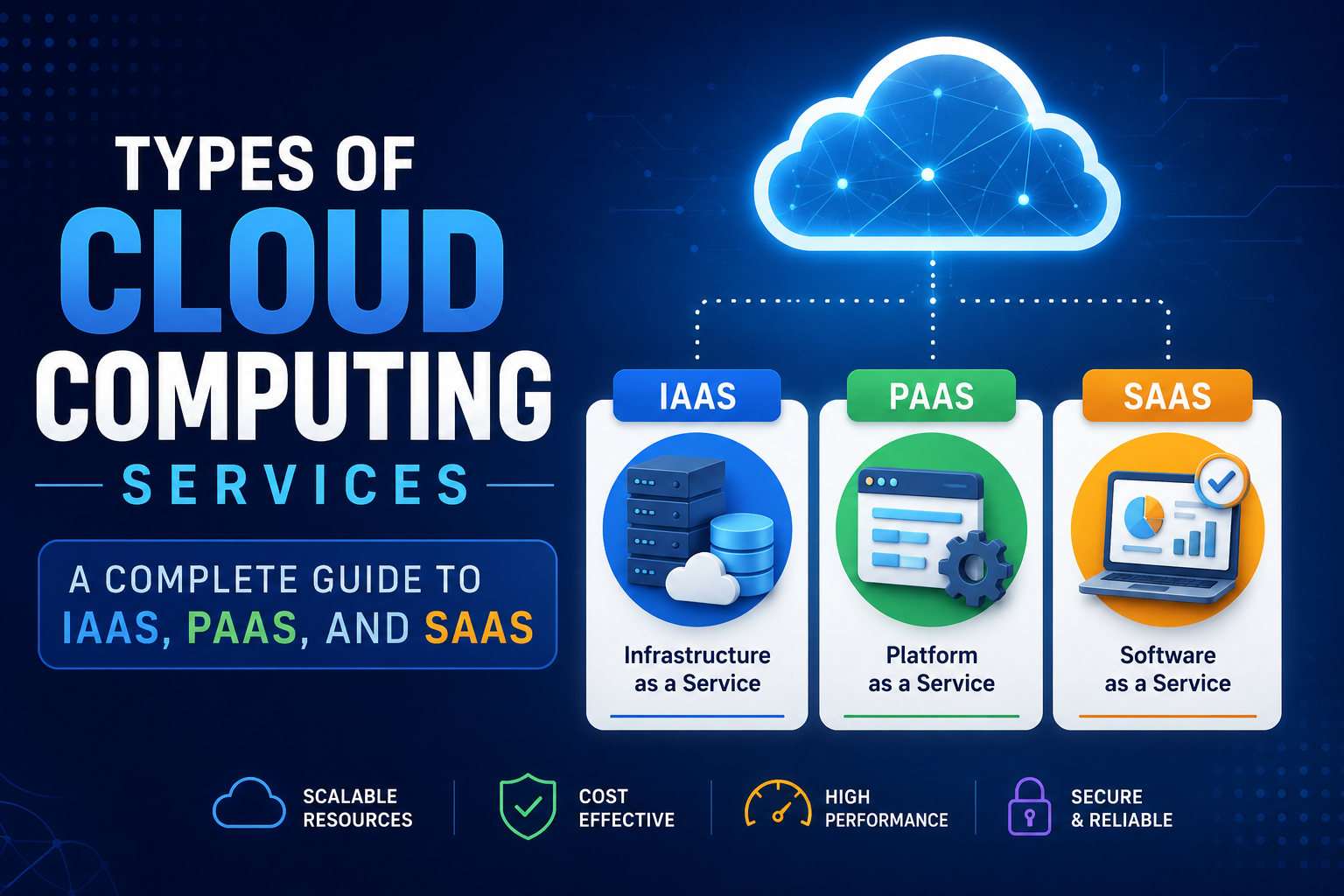
Types of Cloud Computing Services: A Complete Guide to IaaS, PaaS, and SaaS
Cloud computing has transformed how businesses build, deploy, and manage applications. Instead of investing heavily in physical servers and expensive infrastructure, organizations can access computing resources over the internet whenever they need them.
Whether you're a startup launching a new application, an enterprise modernizing legacy systems, or a developer building scalable software, understanding the different types of cloud computing services is essential for making informed technology decisions.
The three primary cloud service models are:
- Infrastructure as a Service (IaaS)
- Platform as a Service (PaaS)
- Software as a Service (SaaS)
Each model serves different business requirements and provides varying levels of flexibility, management, and control. This guide explains how these cloud computing services work, their benefits, practical use cases, differences, and how to choose the right solution for your organization.
What is Cloud Computing?
Cloud computing is the delivery of computing resources—including servers, storage, databases, networking, software, analytics, and artificial intelligence—over the internet instead of relying on on-premise infrastructure.
Rather than purchasing, installing, and maintaining expensive physical servers, organizations can rent cloud resources from service providers and pay only for the services they actually use.
Cloud computing enables businesses to scale rapidly, improve operational efficiency, reduce infrastructure costs, and accelerate custom software development without significant upfront investments.
Key Benefits of Cloud Computing
- High scalability and flexibility
- Lower infrastructure and maintenance costs
- Faster application deployment
- Improved collaboration across teams
- Business continuity and disaster recovery
- Advanced security, monitoring, and backup capabilities
The Three Types of Cloud Computing Services
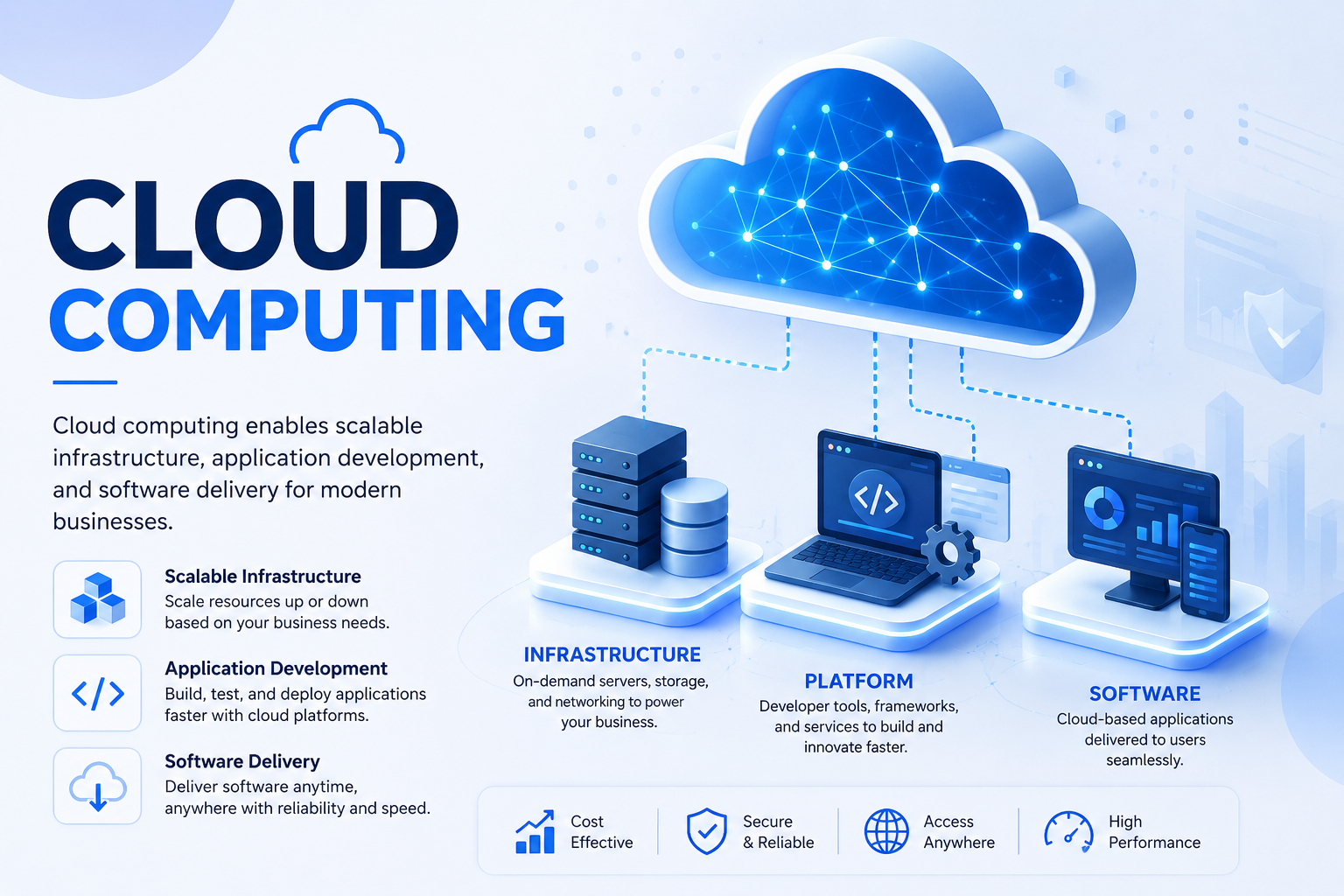
The Three Types of Cloud Computing Services
Cloud computing services are commonly divided into three primary service models that provide different levels of responsibility between cloud providers and customers.
- Infrastructure as a Service (IaaS)
- Platform as a Service (PaaS)
- Software as a Service (SaaS)
Each model offers a unique balance of infrastructure management, application development capabilities, customization, and operational control. Understanding these differences helps businesses choose the most suitable cloud strategy based on their technical requirements and business objectives.
Infrastructure as a Service (IaaS)
Infrastructure as a Service (IaaS) provides virtualized computing infrastructure over the internet. Instead of purchasing and maintaining physical servers, businesses rent virtual machines, storage, networking, and computing resources from cloud providers on demand.
IaaS offers the highest level of flexibility among cloud service models because organizations retain control over their operating systems, applications, and data while the provider manages the underlying infrastructure.
What the Cloud Provider Manages
- Physical servers
- Networking infrastructure
- Storage systems
- Virtualization technology
- Data center facilities
What the Customer Manages
- Operating systems
- Middleware
- Runtime environments
- Applications
- Business data
Benefits of IaaS
- Lower infrastructure investment
- High scalability for growing workloads
- Flexible resource allocation
- Rapid infrastructure deployment
- Built-in disaster recovery capabilities
- Pay-as-you-go pricing model
Common Use Cases
- Website and application hosting
- Enterprise software deployment
- Development and testing environments
- Virtual data centers
- Backup and disaster recovery
- High-performance computing workloads
Popular IaaS Providers
- Amazon Web Services (AWS EC2)
- Microsoft Azure Virtual Machines
- Google Compute Engine
- DigitalOcean
- IBM Cloud
Platform as a Service (PaaS)
Platform as a Service (PaaS) provides developers with a complete cloud-based development environment for building, testing, deploying, and managing applications without worrying about the underlying infrastructure.
Instead of configuring servers, operating systems, storage, and networking, developers can focus entirely on writing application code, accelerating development cycles and reducing operational complexity.
What the Cloud Provider Manages
- Infrastructure
- Operating systems
- Runtime environment
- Middleware
- Security updates
- Platform maintenance
What the Developer Manages
- Application code
- Business logic
- Database design
- User experience
- Application configuration
Benefits of PaaS
- Accelerates custom software development
- Reduces infrastructure management
- Built-in development tools
- Automatic platform updates
- Improved developer collaboration
- Highly scalable environments
Common Use Cases
- Web application development
- Mobile application development
- REST API development
- Microservices architecture
- DevOps pipelines
- AI and machine learning applications
Popular PaaS Providers
- Google App Engine
- Microsoft Azure App Service
- Heroku
- AWS Elastic Beanstalk
- Red Hat OpenShift
Software as a Service (SaaS)
Software as a Service (SaaS) delivers fully managed software applications over the internet. Users simply access the application through a web browser or mobile app without installing, maintaining, or updating software.
Everything—from infrastructure and security to updates and maintenance—is managed by the cloud provider, making SaaS the simplest cloud computing model for end users.
What the Cloud Provider Manages
- Infrastructure
- Operating systems
- Platform services
- Application software
- Security
- Maintenance and updates
What the User Does
- Access the software
- Manage business data
- Configure user preferences
Benefits of SaaS
- No software installation required
- Subscription-based pricing
- Automatic software updates
- Accessible from anywhere
- Minimal IT maintenance
- Quick implementation
Common Use Cases
- Email services
- Customer Relationship Management (CRM)
- Accounting software
- Project management platforms
- Video conferencing
- Collaboration tools
Popular SaaS Applications
- Microsoft 365
- Google Workspace
- Salesforce
- Slack
- Zoom
- Dropbox
IaaS vs PaaS vs SaaS
While all three cloud service models deliver computing resources over the internet, they differ in the level of management responsibility, flexibility, and technical expertise required.
Feature Comparison
- Infrastructure Managed By: Provider (IaaS, PaaS, SaaS)
- Operating System: Customer (IaaS), Provider (PaaS, SaaS)
- Runtime Environment: Customer (IaaS), Provider (PaaS, SaaS)
- Applications: Customer (IaaS, PaaS), Provider (SaaS)
- Best For: IT Teams (IaaS), Developers (PaaS), End Users (SaaS)
- Customization: High (IaaS), Medium (PaaS), Low (SaaS)
- Technical Expertise: High (IaaS), Medium (PaaS), Low (SaaS)
Advantages of Cloud Computing Services
Regardless of the cloud service model you choose, cloud computing provides significant business advantages that improve efficiency, reduce costs, and accelerate innovation.
Cost Savings
Businesses eliminate large upfront investments in servers and infrastructure while paying only for the resources they actually consume.
Scalability
Cloud platforms allow organizations to quickly scale computing resources up or down based on business demand without purchasing additional hardware.
Faster Deployment
Applications and infrastructure can be provisioned within minutes, enabling faster product launches and shorter development cycles.
Global Accessibility
Employees and customers can securely access cloud services from virtually anywhere, supporting remote work and global collaboration.
Enhanced Security
Leading cloud providers offer advanced security features including encryption, identity management, monitoring, compliance certifications, and threat detection.
Automatic Updates
Cloud providers continuously update infrastructure and software, helping businesses stay secure and access the latest features with minimal downtime.
Choosing the Right Cloud Service Model
Selecting the appropriate cloud computing model depends on your organization's goals, technical expertise, budget, and operational requirements.
Choose IaaS if you:
- Need maximum infrastructure control
- Require flexible computing resources
- Have an experienced IT operations team
- Run enterprise applications with custom configurations
Choose PaaS if you:
- Develop software applications regularly
- Want to accelerate development cycles
- Prefer focusing on coding rather than infrastructure
- Build APIs, web apps, or mobile applications
Choose SaaS if you:
- Need ready-to-use business software
- Want minimal IT maintenance
- Prefer predictable subscription pricing
- Need rapid deployment across teams
Real-World Examples
Most businesses use a combination of IaaS, PaaS, and SaaS services to meet different operational needs.
Startup
- AWS EC2 (Infrastructure as a Service)
- Heroku (Platform as a Service)
- Slack (Software as a Service)
Enterprise
- Azure Virtual Machines
- Azure App Service
- Microsoft 365
E-commerce Business
- Google Cloud Platform
- Firebase
- Shopify
Combining different cloud service models allows businesses to optimize costs, improve agility, and deliver better digital experiences.
Future of Cloud Computing
Cloud computing continues to evolve rapidly alongside emerging technologies that enable businesses to build smarter, faster, and more secure digital solutions.
Key trends shaping the future include:
- Artificial Intelligence (AI)
- Machine Learning (ML)
- Edge Computing
- Serverless Computing
- Kubernetes and container orchestration
- Multi-cloud architecture
- Hybrid cloud solutions
- Internet of Things (IoT)
Organizations increasingly combine these technologies with cloud platforms to improve scalability, automate operations, enhance security, and accelerate digital transformation initiatives.
Best Practices for Cloud Adoption
Successfully adopting cloud computing requires careful planning, strong governance, and continuous optimization. Following proven best practices helps organizations maximize the benefits of cloud services while minimizing risks, controlling costs, and maintaining security.
Assess Your Business Requirements
Identify your business goals, application requirements, compliance needs, and performance expectations before selecting a cloud service model.
Choose the Right Cloud Service Model
Select Infrastructure as a Service (IaaS), Platform as a Service (PaaS), or Software as a Service (SaaS) based on your technical capabilities, operational requirements, and long-term business strategy.
Implement Strong Security Policies
Protect cloud resources through identity and access management, encryption, multi-factor authentication, continuous monitoring, and regular security audits.
Monitor Cloud Costs
Continuously monitor resource usage, optimize workloads, and eliminate unused resources to control operational expenses and maximize return on investment.
Automate Backups and Disaster Recovery
Implement automated backup strategies and disaster recovery plans to ensure business continuity and minimize downtime during unexpected incidents.
Optimize Resource Utilization
Regularly analyze infrastructure performance and scale resources according to business demand to improve efficiency and reduce unnecessary costs.
Train Employees
Provide cloud computing training for development, operations, and security teams to improve adoption, productivity, and operational excellence.
Ensure Regulatory Compliance
Verify that your cloud environment complies with relevant industry regulations and standards such as GDPR, HIPAA, ISO 27001, or SOC 2, depending on your business sector.
Conclusion
Cloud computing has become the foundation of modern digital transformation. Understanding the three primary cloud service models—Infrastructure as a Service (IaaS), Platform as a Service (PaaS), and Software as a Service (SaaS)—helps businesses choose the right solution based on their operational, technical, and strategic requirements.
IaaS offers maximum flexibility and infrastructure control, PaaS accelerates custom software development with managed platforms, and SaaS delivers ready-to-use applications with minimal maintenance requirements.
Whether you're launching a startup, modernizing enterprise applications, developing cloud-native software, or optimizing business operations, selecting the appropriate cloud computing service model can improve scalability, reduce infrastructure costs, increase productivity, and support long-term business growth.
As cloud technologies continue to evolve with artificial intelligence, automation, edge computing, and hybrid cloud architectures, organizations that invest in the right cloud strategy today will be better positioned for future innovation and digital success.
Ready to translate these insights into real operational efficiency?
Let's design and build your custom web applications, SaaS dashboards, or CRM integrations. Reach out to our solutions architect desk for a free feasibility review.
Frequently Asked Questions
The three primary cloud computing service models are Infrastructure as a Service (IaaS), Platform as a Service (PaaS), and Software as a Service (SaaS). Each provides different levels of infrastructure management, flexibility, and customization.
Platform as a Service (PaaS) is generally the best choice for developers because it provides a complete development environment, allowing teams to build, test, and deploy applications without managing servers or infrastructure.
IaaS provides virtual infrastructure such as servers, storage, and networking that customers configure and manage, while SaaS delivers fully managed software applications that users access through a web browser without worrying about installation, maintenance, or updates.
Businesses adopt cloud computing to reduce infrastructure costs, improve scalability, accelerate application deployment, enhance collaboration, strengthen security, and support business continuity while paying only for the resources they use.
Software as a Service (SaaS) is often the most suitable option for small businesses because it offers ready-to-use applications, predictable subscription pricing, minimal maintenance, quick implementation, and lower upfront investment.